Build · Websites, apps and software that run the business
Interface. UI/UX design company in Kerala
Good UI/UX design means people understand an app or dashboard on first use. Phace Two designs mobile apps, web apps, dashboards and portals from Calicut, Kerala, for businesses across India and the GCC, including the AI features inside them. AI speeds up research synthesis and layout exploration; real users test every key flow before developers get a documented design system.
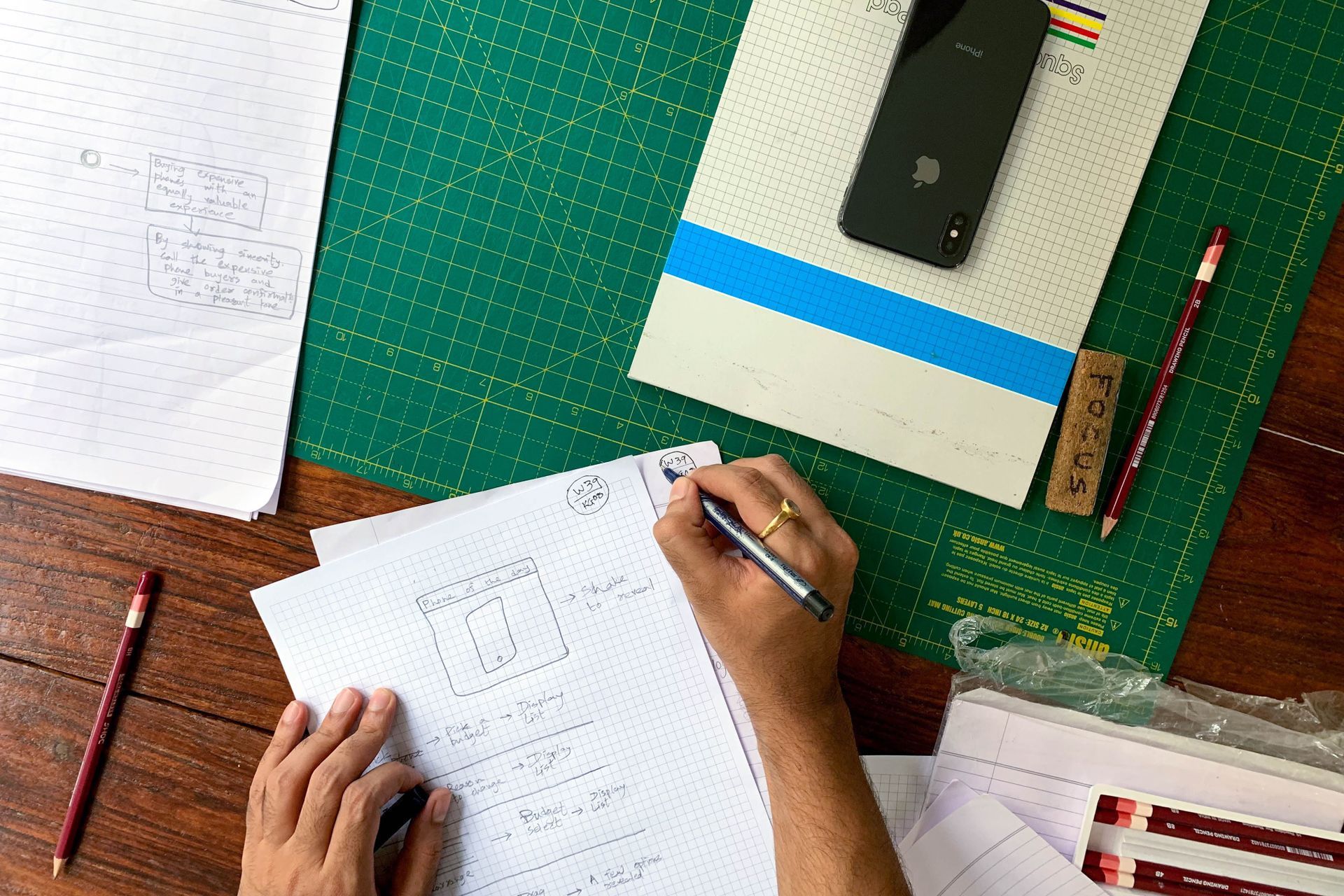
Apps, dashboards and AI features people understand on first use.
If your staff need training to use your software, or customers abandon your app halfway through sign-up, the problem isn't the users. It's the interface, and every confused tap costs support time, lost sales or both.
We start with evidence. A UX audit combines heuristic review, analytics and session recordings to find where people stall; short interviews and usability tests tell us why. AI helps us move through that evidence faster: it transcribes interviews, groups feedback by theme and generates layout variations to compare, while our designers make the calls and test them with real users.
More products now carry AI inside them, and that needs design too: a copilot that shows where its answer came from, an easy way to correct it, and a clear handover to a person. Our app, dashboard and portal designs plan for that from the first wireframe. Developers get a Figma design system with components, states and specs, so what ships matches what was approved.
What we hold ourselves to
Service targets and planning benchmarks, not claims about any client’s results.
- users per usability-testing round
- 5+
- contrast and accessibility target
- WCAG AA
- to first wireframes after the workshop
- 1 week
Tools we run it on
- Figma
- FigJam
- Figma AI
- Maze
- Hotjar
- Microsoft Clarity
- Storybook
- Lottie
What do we research, design and test before anything is built?
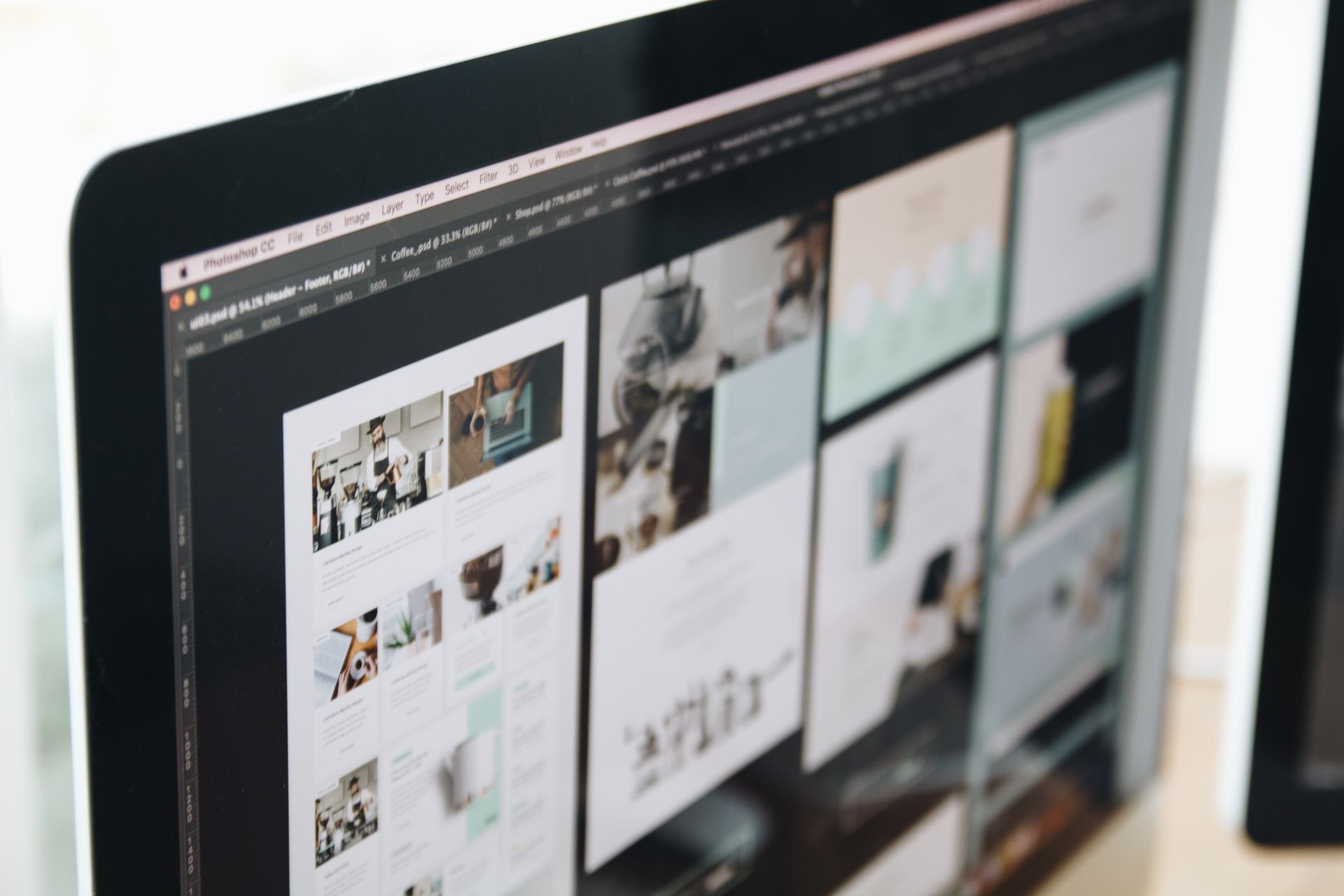
- 01
UX audit
Heuristic review, analytics and session recordings turned into a ranked list of fixes, each with the reason, the evidence and a rough effort.
- 02
AI-assisted user research
Interviews and usability tests with the people who use the product, transcribed and grouped with AI, then read and interpreted by a designer.
- 03
App and web app interfaces
iOS, Android and browser screens designed with platform conventions, not against them, for the people who use them every day.
- 04
Dashboard design
Data-dense CRM, ERP and admin views that surface the next action, not just the numbers, and stay readable on a phone.
- 05
UX for AI features
Chat panels, copilots and AI suggestions designed to show their sources, invite corrections and hand over to a person when the AI isn't sure.
- 06
Prototypes and design systems
Clickable Figma prototypes tested before development, then components, tokens, states and handoff specs, so developers ship exactly what was approved.
Five steps. No surprises.
Every stage has an owner, a deliverable and a sign-off, all agreed with you before it starts.
Understand
Stakeholder workshop, analytics review and user interviews, with AI transcribing and grouping what we hear for a designer to read.
Structure
User flows, information architecture and low-fidelity wireframes for the critical journeys, with AI-generated layout variations to compare.
Design
High-fidelity UI, interaction details, the states of every AI feature and a component library in Figma.
Test
Usability sessions with at least five users per round; we fix what they stumble on, then test again.
Hand off
Dev-ready specs, a documented design system and design QA while the product is built.
Questions, answered.
Something else on your mind? Ask us directly on WhatsApp, by email or over a call.
A heuristic review against usability principles, a look at your analytics and session recordings, and a walkthrough of the key journeys. The result, usually within two to three weeks, is a prioritised report on what to fix, why it matters and roughly how hard each fix is.
It depends on how many flows, screens and user types the work covers, and whether research and testing are included. After a short call about your product and goals, we send a written quote with the scope, timeline and deliverables, so you can compare it line by line. You can book that call through our contact page.
AI handles the slow, mechanical parts: transcribing interviews, grouping feedback, generating layout variations and checking colour contrast. Designers handle the judgement: deciding what the research means, choosing a direction and testing it with real users. Nothing goes to developers because an AI suggested it; it goes because users understood it in testing.
Yes. Copilots, chat panels, smart search and AI suggestions need their own UX: showing where an answer came from, making it easy to edit or undo, signalling when the AI is unsure and offering a person instead. We design those states with your team and test them with users, so the feature earns trust rather than support tickets.
Yes, with a native Arabic writer on the project. Icons, number formats, charts and mixed-language text all need care in a right-to-left layout. AI can produce a first Arabic draft of the interface text, but the native writer edits it, and we scope that review with you before we quote.
Figma files with every screen and state, a clickable prototype, a component library and handoff specs, all yours outright. If you want it built, our developers can take it on, from web apps to mobile apps, or we support your in-house developers or another agency through the build with design QA.
Pairs well with



Let's build it with AI.
Tell us where you want to be in 12 months. A strategist replies within one working day, and after a short call the plan, the numbers and the team follow in writing within 48 hours.